



FMS Core Functionality For Participants, For Direct Service Providers & For FMS Agencies
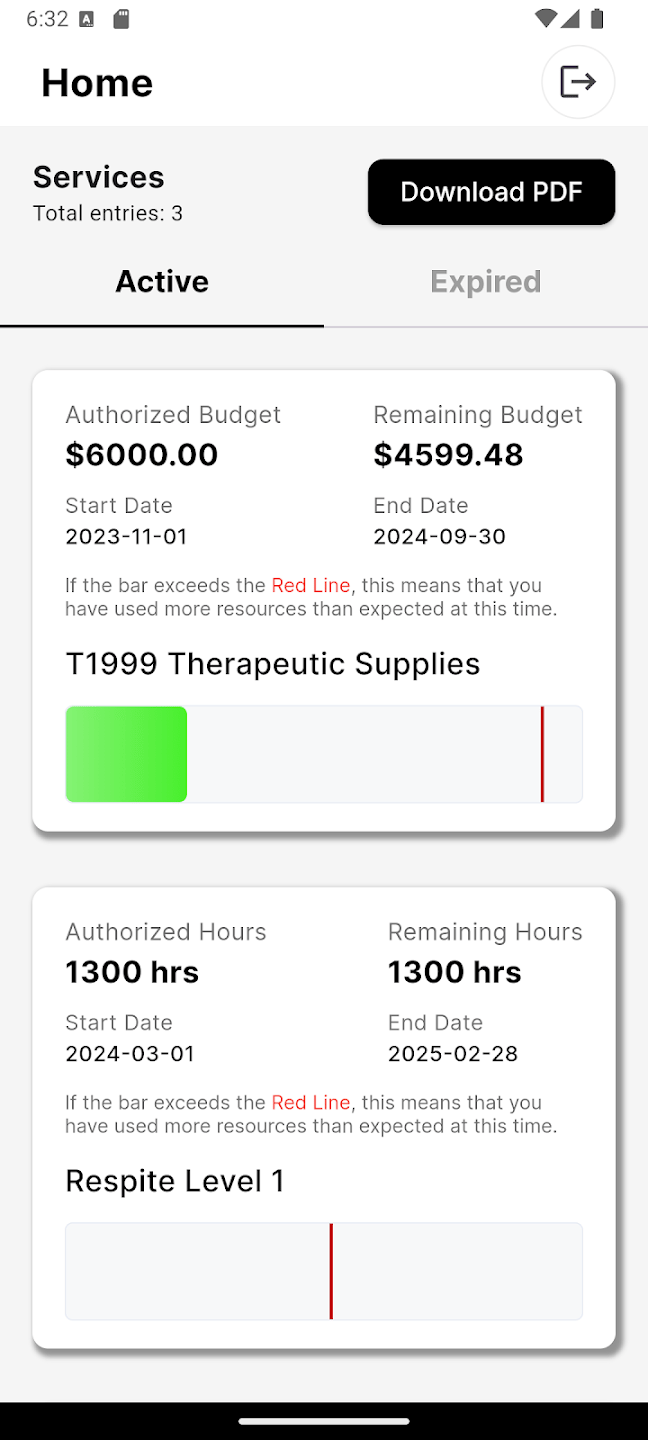
- Participants can submit expenses and monitor their budgets
- Mobile App
- Web App
- Vendors and Service providers can self-register and Report their work via mobile app
- Employer of Record
- Co-employer
- Third Party Vendors
- Authorization and Budget Management
- EVV Compliant with all main aggregators
- Sandata
- HHA Exchange
- Tellus/Netsmart
- Authenticare
- Therap
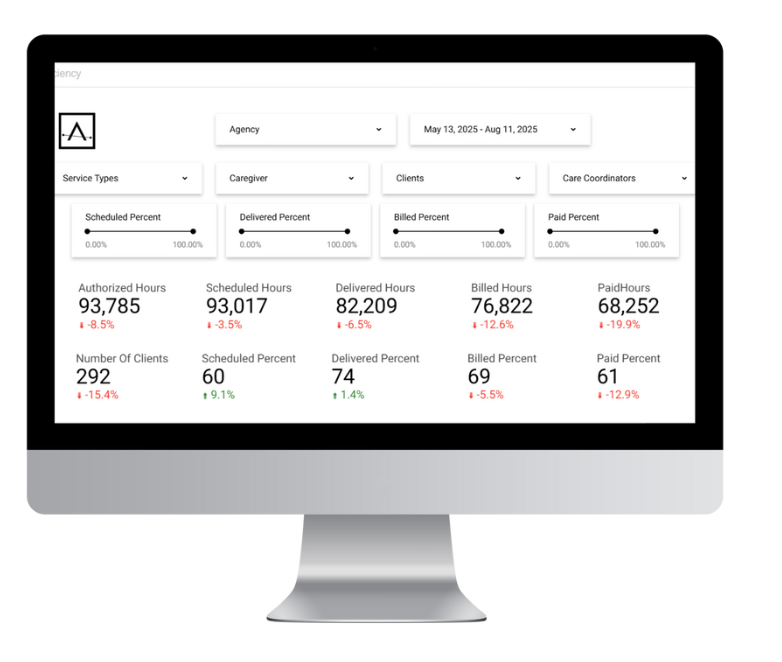
- AI powered Approval Assistant
- Creates electronic claims (837) and tracks remittance (835) from Medicaid
- Maintains compliance documentation and audit logs
An FMS Partner You Can Trust
- Participant directed Service to save time for the FMS
- User Experience Designed By FMS Agencies
- Scalable to Large State-Wide and Multiple State Agencies
- HIPAA Compliant with Role Based Security
- Eager to incorporate new features
- Fast Implementation
- Dedicated Project managers
- World-Class Live Support
Purpose-built to make FMS easy for families, workers, and your back office.
More than 1.5 million people in the U.S. are self-directing their services. Ankota gives fiscal intermediary providers the software to support them, bringing budgets, EVV, worker onboarding, approvals, claims, and ERA together in one clean, modern platform.

What Is Self-Direction & How FMS Makes It Work
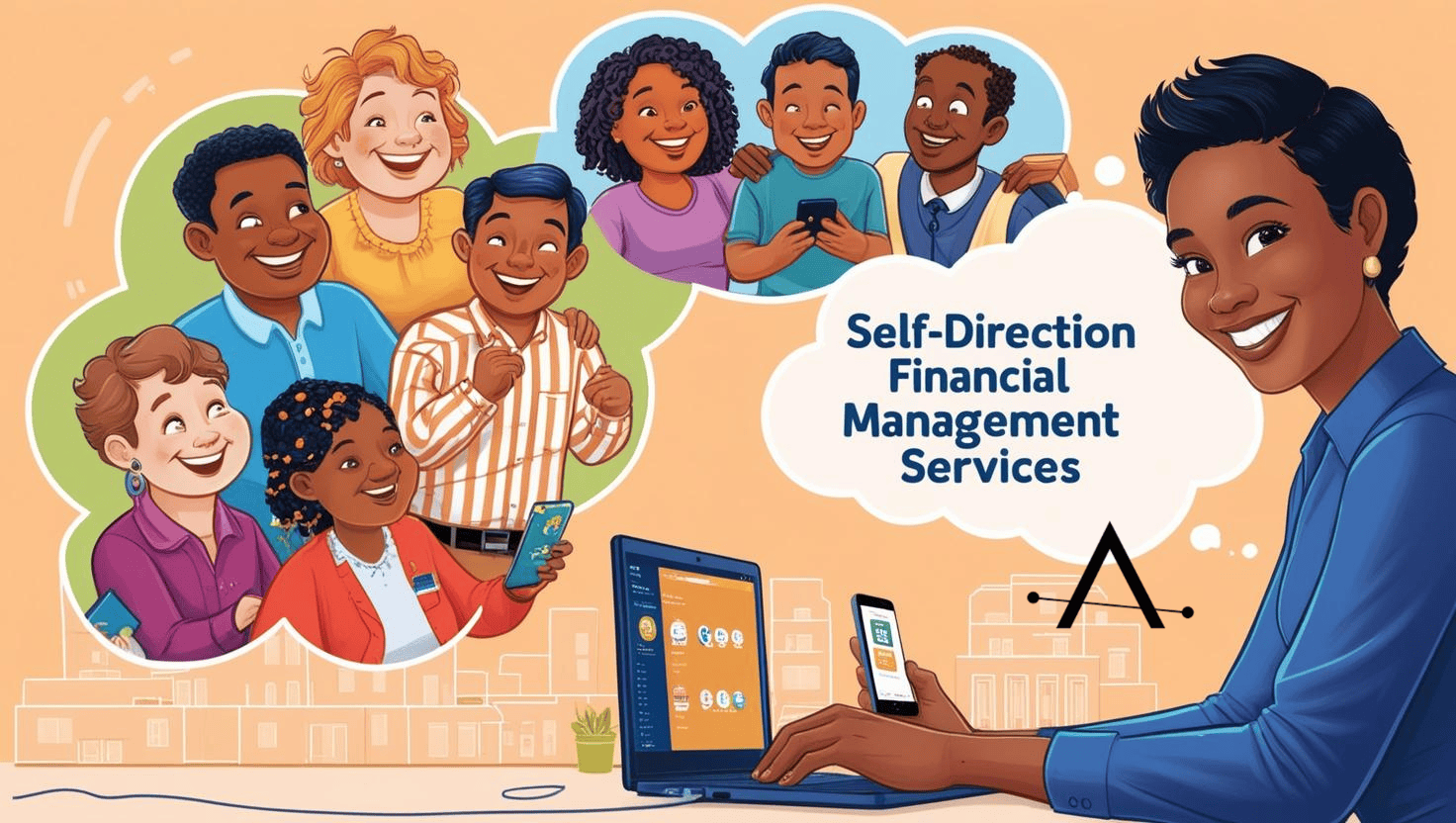
Self-direction lets individuals (or their representatives) choose who provides services, when, and how within an approved budget. FMS providers handle the employer & financial tasks behind the scenes so participants can focus on living their lives.
For Participants & Authorized Reps - My budget at my fingertips.
- Live budget tracking in dollars, hours, or units—match your program rules.
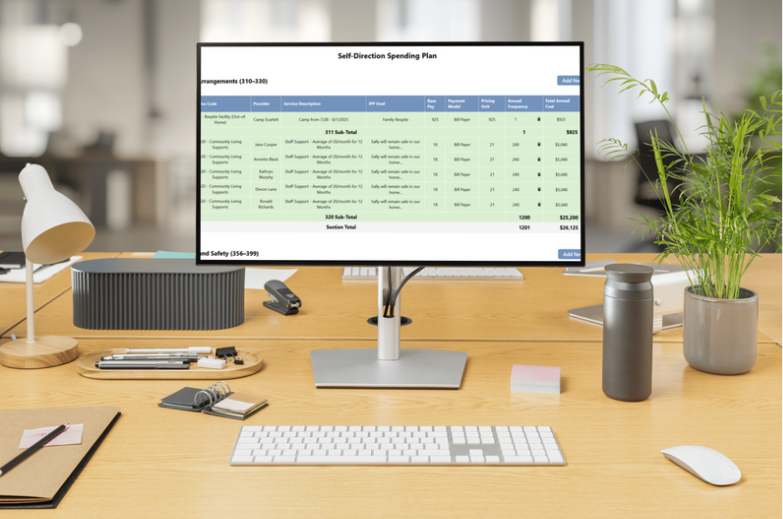
- Plan services your way: different workers, different rates, clear utilization.
- Tap-to-submit expenses from phone or desktop—attach receipts and notes in seconds.
- Crystal-clear approvals: see what’s pending, approved, or needs attention.
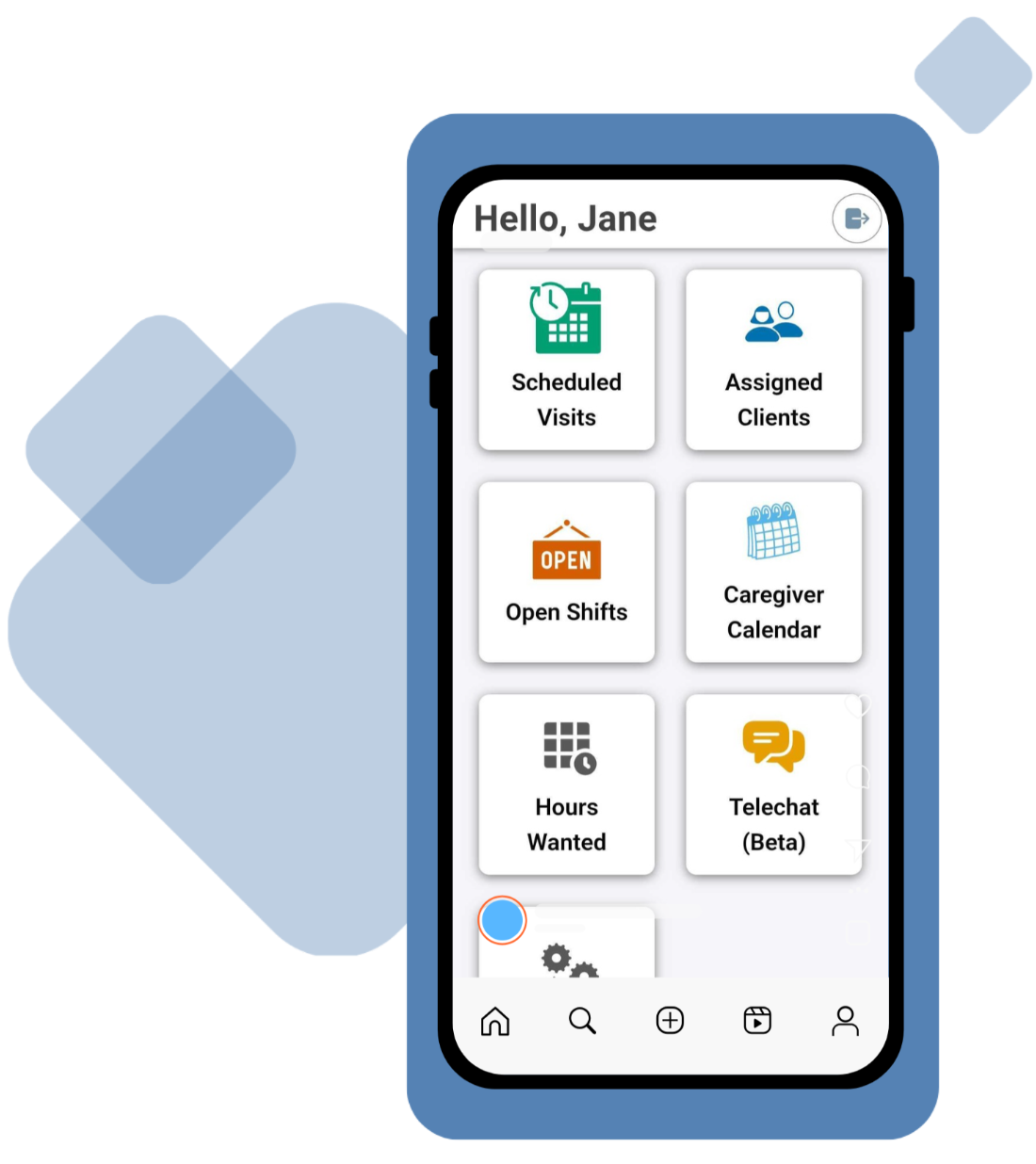
For Direct Service Workers - “A time-saving app that just works.”
- iOS & Android apps for simple, accurate EVV clock-in/out.
- Timesheets and visit details captured at the point of service.
- Fix mistakes fast with guided corrections and a full audit trail.
- Credentials & docs available in-app (with reminders for renewals).
For the FMS Office - “From authorizations to clean claims—on autopilot.
- Click-simple onboarding for participants, workers, and vendors (web & app).
- Authorization-driven workflows: visits & expenses route to the right reviewers automatically.
- Smart review flags (overlaps, out-of-budget, missing signatures) cut rework and denials.
- Batch claims & ERA reconciliation to close the loop quickly.
- Program-aware configuration by state—rates, units, rules—without custom code.

Compliance, Security & Scale That Is Built In
- HIPAA-aligned with role-based access, encryption, and audit trails.
- Audit-ready logs for every edit, signature, and approval.
- Multi-program / multi-state: replicate configurations & reporting as you grow.
- EVV-ready workflows designed for participant-directed services.


Implementation & Support
- Guided onboarding for staff, participants, and workers.
- Data migration assistance from legacy tools or spreadsheets.
- Friendly support from people who understand self-direction & FMS.
Purpose built to make FMS management easy
Let us help-you and your self-directing participants to thrive